
Links to recent blog posts, popular content & other resources mentioned on social media.
Recent Blog Posts
Free Canva templates to help you wrap up the school year with meaningful English language arts activities and reflections.

Wondering how to introduce artificial intelligence to your students or looking for creative ways to incorporate it in your classroom instruction? Try an AI character chatbot!
This post will dive into the wonderful world of Magic School AI and share some handy AI-powered features you can start using right away. Here we go!
Carousel writing is engaging, adaptable to almost any time frame, and requires virtually no prep whatsoever.
This easy guide provides a step-by-step tutorial for customizing email notifications based on Google Form responses, eliminating the need for multiple Google Forms.

Whether you’re team-AI-all-the-way or trying to ignore the fact that a chatbot can now write a Shakespearean-style sonnet in under five seconds, I encourage you to spend some time exploring the ins and outs of this clever little chatbot. Here are some essential tips to help.

From creating content for students to analyze to sharing strategies for assessment and classroom collaboration, ChatGPT has the potential to save you hours of time and make your life infinitely easier. Here are 50 prompts that will help with that.

Teachers can use ChatGPT, a large language model trained by OpenAI, in the classroom to engage and educate students in a variety of ways. Here are a few ideas:

Google Forms recently updated its interface to allow the use of Google’s extended font library. Here’s how to change the font in Google Forms.

The 2021-2022 school year saw quite a few new features in the Google Docs department. Here are five of my favorites.
Google Slides is an incredibly versatile tool for teachers and students. Here are 10 of my favorite tips for making the most of your Google Slides experience.

Learn how to make animated GIFs with the free version of Screencastify. You'll also learn how to use the Screencastify Editor (how to cut and crop clips, how to zoom in on clips, how to annotate the screen, etc).

Last year, my journalism students created a podcast. None of us had any experience with podcasting and there was quite a bit of trial and error, but it was easily one of the coolest things I’ve been involved with as a teacher. Here’s everything you need to know about that experience.

When you open a Google Doc attachment in the Google Classroom iPad app, you can write on it directly using a variety of annotation tools.
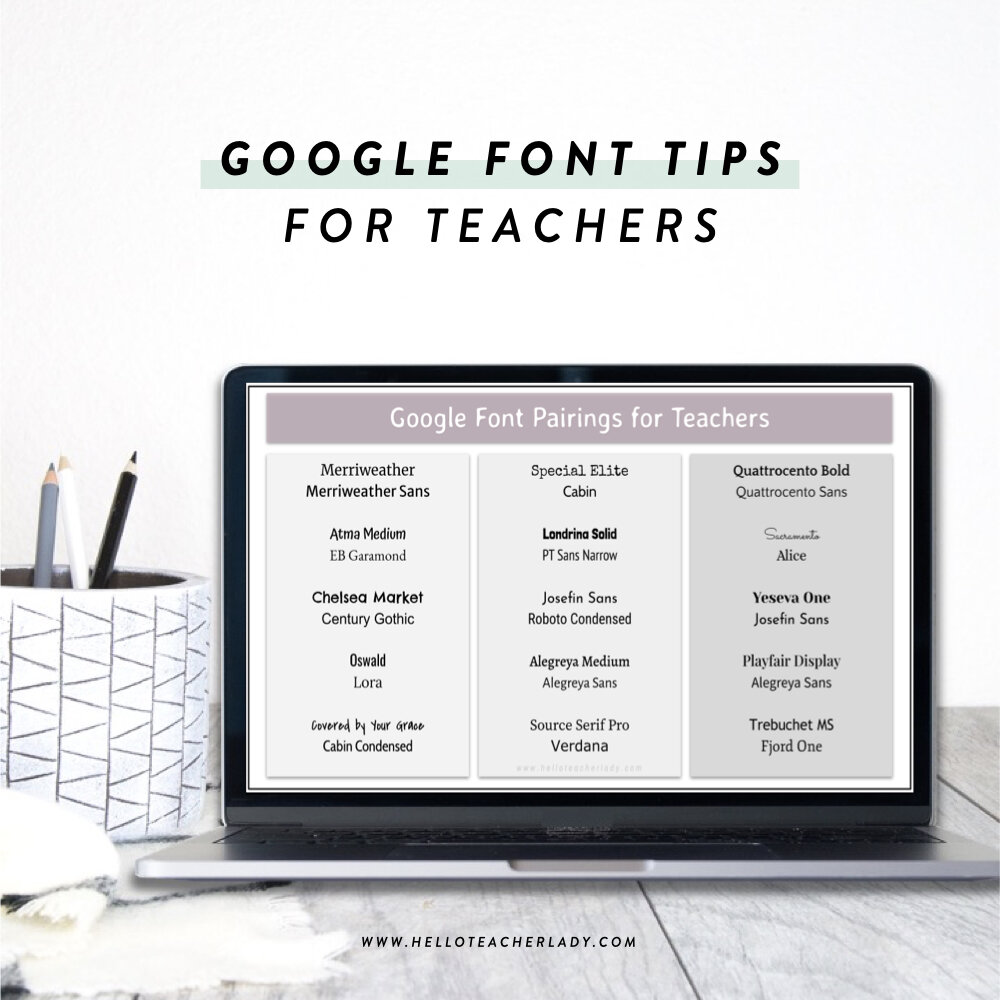
Did you know the fonts that appear in your font dropdown are actually just a fraction of the available fonts in Google’s collection? It’s super easy to find and add more.

Here are 5 FREE Google Jamboard templates! These templates are ideal for teachers in a virtual or hybrid setting.
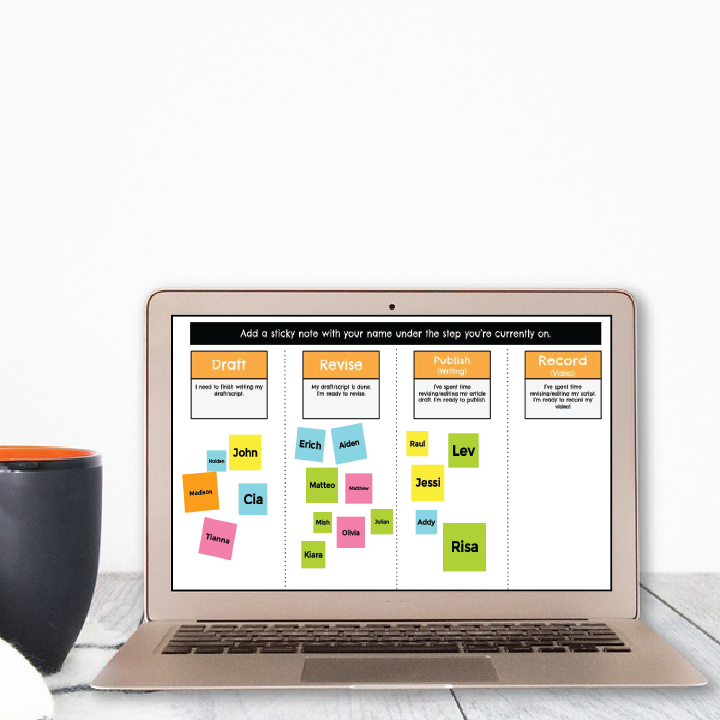
Jamboard and Google Slides are both popular Google tools that offer a variety of collaboration options for teachers and students. While both tools have quite a bit of similarities, there are also some key differences you should be aware of.
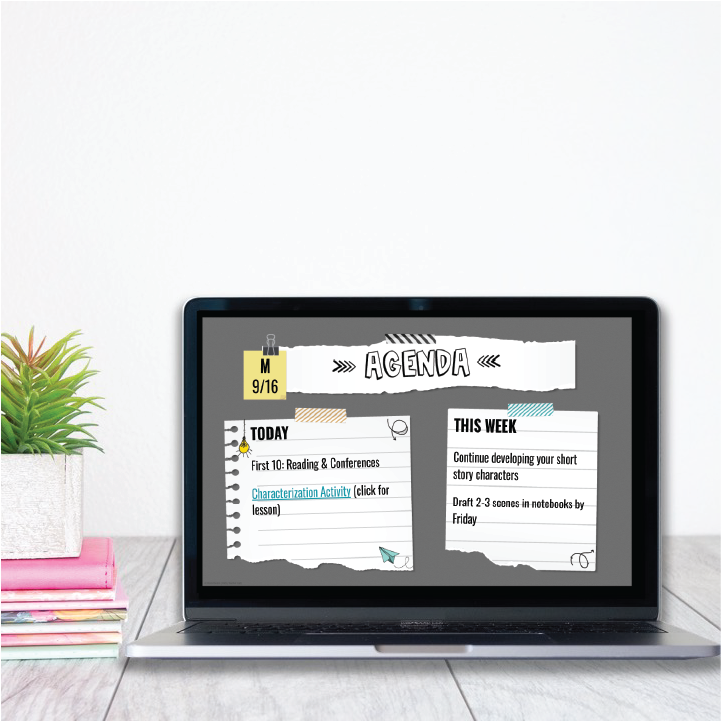
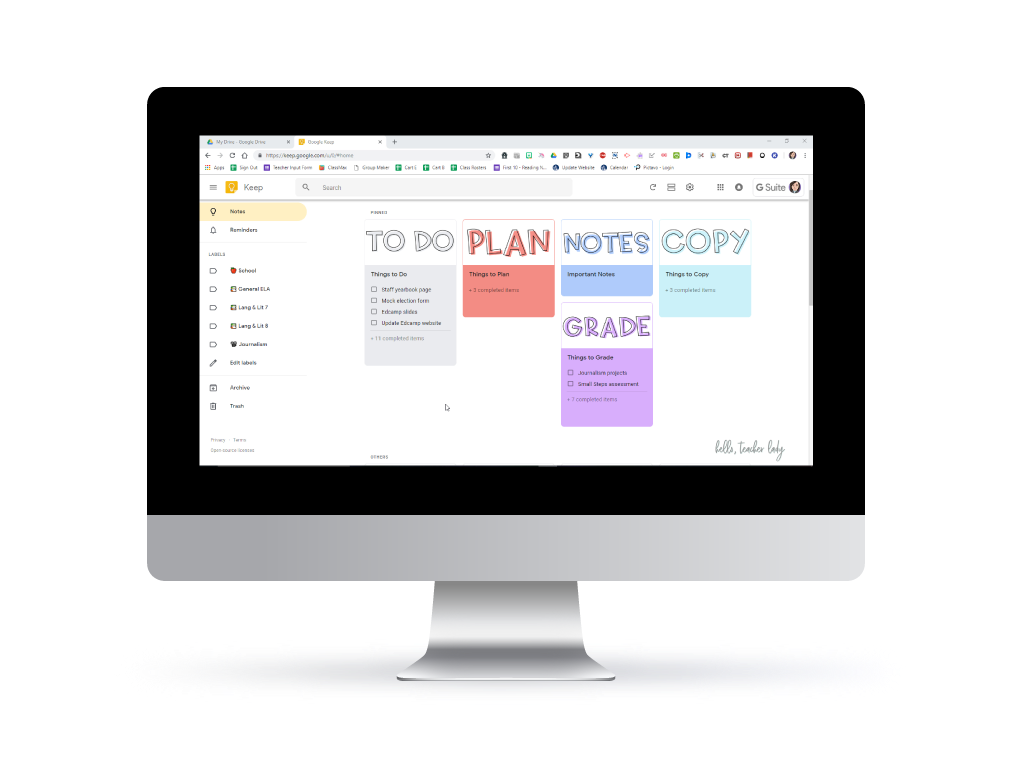
I’ve collaborated with some of my favorite tech-savvy English teachers to bring you 12 organization hacks to help streamline your digital classroom, feedback system, lesson planning and more.
Popular Content

Free, editable student award certificate templates for upper elementary and middle school! Perfect for end-of-year or star student/student of the month recognition. Customize for free in Canva for Education!